How To: Make a GIF with Photoshop & Upload to your GIPHY Account
Hi Friends! It's Meijun.
About a month ago, I shared a small post on How To: Set a GIF as your Gmail Profile Picture and I thought that it would be useful to show you how I create simple GIF's on Photoshop and how I upload them on our GIPHY account.
Why do we do this?
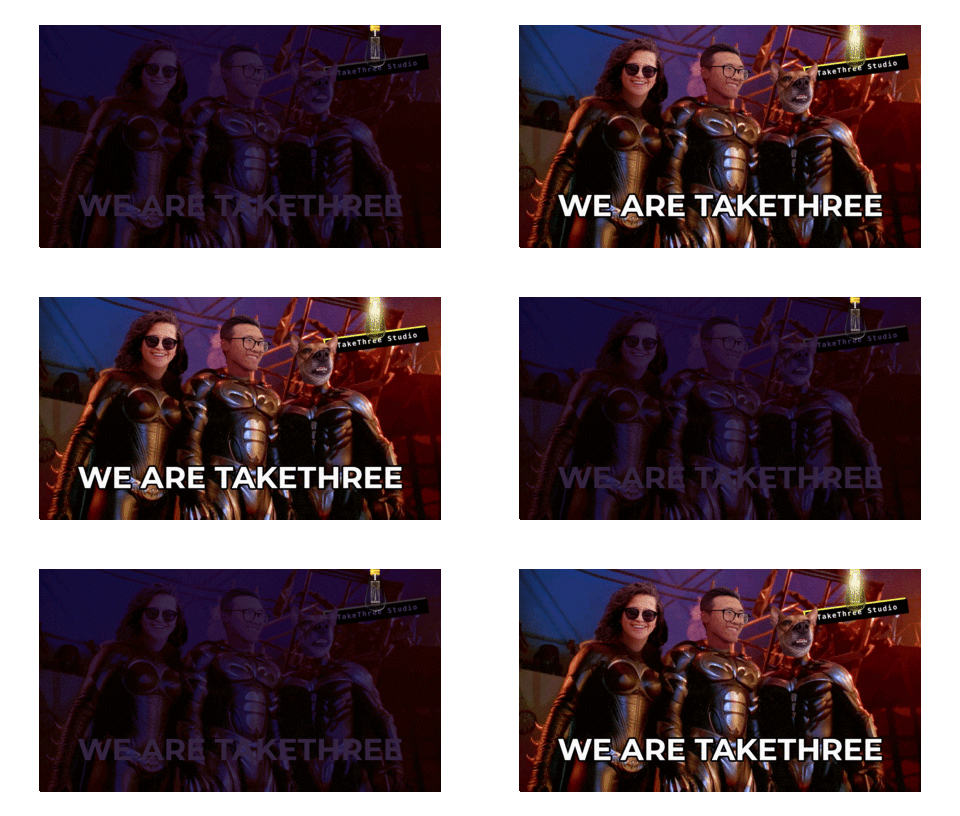
With a creator account on GIPHY, the GIF stickers we create and upload will be accessible on other platforms where you can search and share GIFS, like on Instagram Stories. This is a great way for brands to further express themselves on digital and add more brand personality + visibility.
Hope that this mini-tutorial was helpful and hope to see some of you making your own GIFs for your brands.
Oh also, here are some resources you may find useful if you don't use Photoshop to make GIFs.
Free GIF Maker from CANVA
Let me know if the comments if you have any questions :)
Always here to help.
Abrazos,
Meijun
PS. Here's a link to some useful GIPHY links which include instructions on how to apply for official GIPHY accounts.